
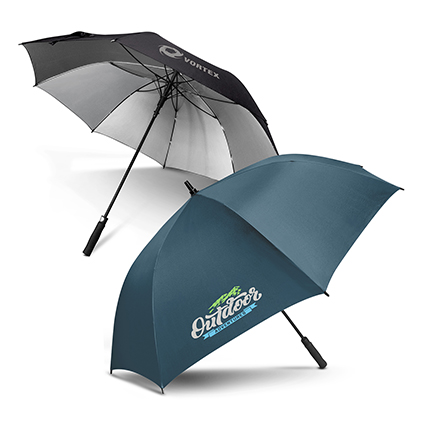

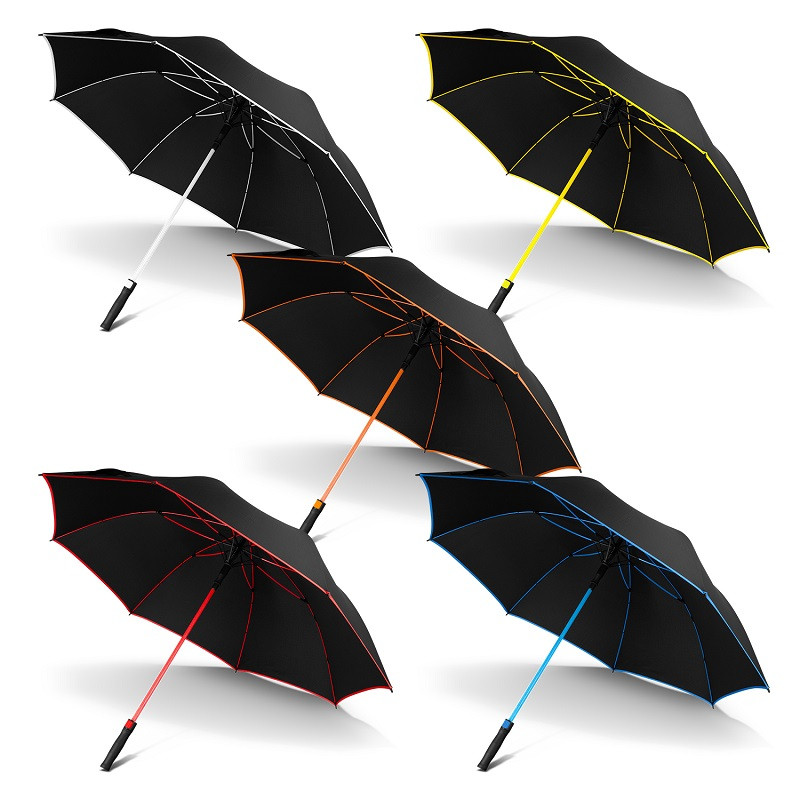
Umbrella decoration comes down to three practical choices: screen printing, colour transfer, and dye sublimation. Each has a shape of logo it handles beautifully and a shape it handles badly. Choose by looking at your artwork first, then at the canopy colour, and the right method usually picks itself.
- Screen print suits bold, flat logos in a small number of solid colours.
- Colour transfer handles finer detail and multiple colours in one position.
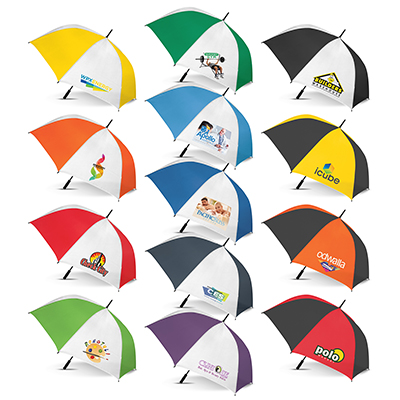
- Sublimation prints edge to edge, and on most ranges applies to white or light panels.
- PMS colour matching and a digital proof are part of the order process on every method.
Screen printing
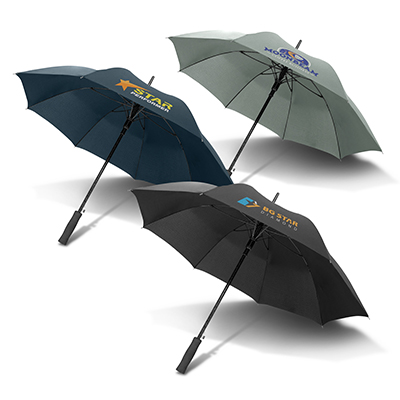
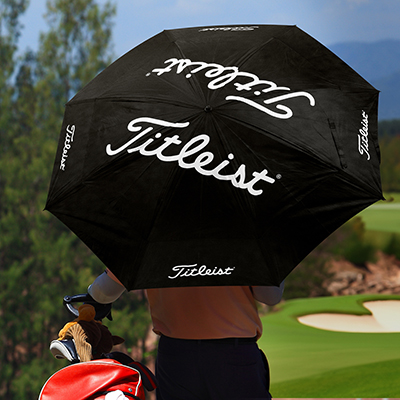
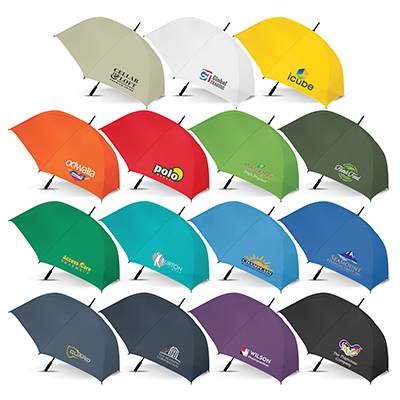
Screen printing pushes ink through a stencil onto the canopy fabric, one screen per colour. It is the workhorse of umbrella decoration because it lays down dense, opaque colour that reads clearly on dark canopies and lasts. On a golf umbrella, a typical screen print area runs to roughly 185mm by 200mm by 250mm per panel, which is generous space for a club logo or a business name.
It suits flat, solid artwork: a wordmark, a club crest with defined shapes, a two-colour logo. It does not suit gradients, drop shadows, photographs or artwork with dozens of tones, because each colour needs its own screen and setup. If your logo has four colours and you want it on eight panels, the setup work multiplies, and that shows in the quote.
Colour transfer
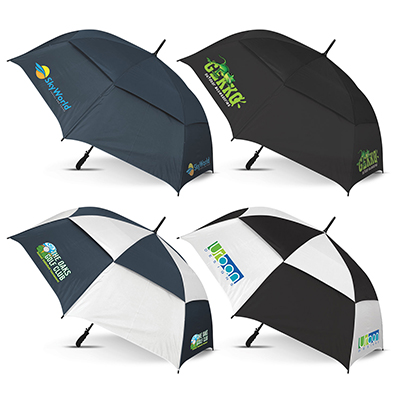
Transfer printing produces the image first and applies it to the fabric with heat and pressure. That means finer detail and more colours in a single position without a screen for each one. A typical transfer print area on a golf panel is around 220mm by 165mm.
Transfer is the middle ground: better detail than screen print, less coverage than sublimation, and it works on coloured canopies where sublimation cannot. It is a good answer for a detailed crest, a logo with small type, or artwork with more colours than screen printing would sensibly carry.
Dye sublimation
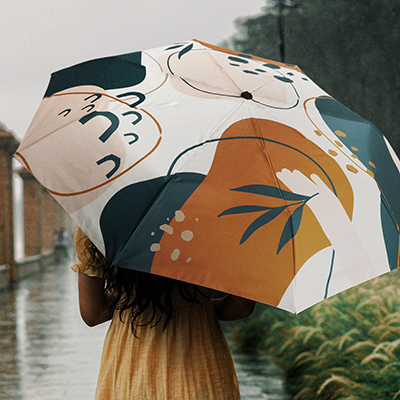
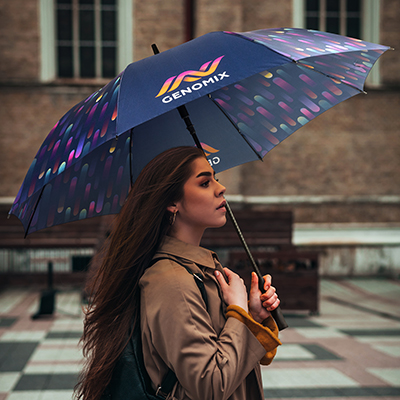
Sublimation turns dye into gas so it bonds into the fabric itself rather than sitting on top. The result is a print you cannot feel, with no edge, capable of photographs, gradients and patterns running to the seams. It is the method behind full-colour canopies, patterned panels and anything where the whole umbrella is the design.
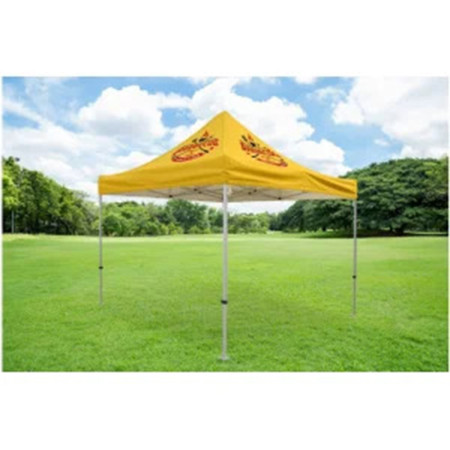
The constraint is colour. Because sublimation adds dye to fabric rather than covering it, on most ranges it is applied to white or light panels, with a typical print area around 220mm by 165mm per panel on a golf umbrella. If your design needs to sit on a navy canopy, transfer or screen print will serve you better. Full-canopy sublimation is also standard on market and café umbrellas, where the fabric area is large and the artwork usually continuous.
Choosing between them
| If your logo is | Use | Because |
|---|---|---|
| One or two solid colours | Screen print | Dense, opaque, cost-effective at volume |
| Detailed, with small type | Colour transfer | Holds fine detail on coloured canopies |
| Photographic or gradient | Sublimation | Prints continuous tone into the fabric |
| Full-canopy pattern | Sublimation | Runs edge to edge across panels |
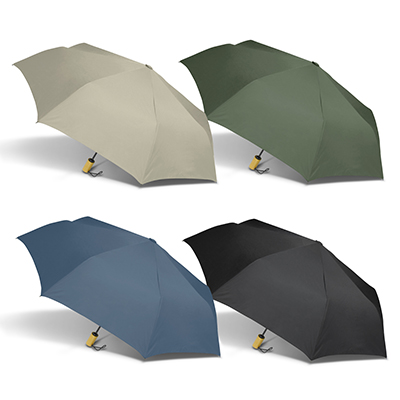
| On a dark canopy | Screen or transfer | Sits on the fabric rather than dyeing it |
Colour matching and proofing
We work to your PMS references rather than eyeballing a match, and a digital proof is prepared as part of the order process so you can see the logo positioned on the chosen umbrella before printing begins. Two things are worth knowing. Fabric is not paper, so a PMS ink laid on woven polyester reads slightly differently to the same colour on a business card. And sublimated colour is affected by the base fabric, which is another reason white panels are the norm for that method.
Send vector artwork wherever possible, with fonts outlined. The artwork specifications page lists what we need, and the PMS colour chart is a useful reference if you do not have your brand codes to hand.
Minimum order is 25 units per style on most ranges, and production runs approximately 10 working days from artwork approval, with rush orders accommodated where possible and subject to stock availability.
Common questions
Which printing method is best for umbrellas?
It depends on the artwork. Screen printing suits bold, flat logos in one or two solid colours. Colour transfer handles finer detail and more colours in one position. Dye sublimation prints photographic and gradient artwork edge to edge, and on most ranges applies to white or light panels.
Can you print full colour on a dark umbrella?
Full-colour sublimation needs white or light panels on most ranges because the dye bonds into the fabric rather than covering it. For a dark canopy, screen printing or colour transfer will give you a clean, opaque result.
How large can the print area be on an umbrella panel?
On a golf umbrella, screen print areas run to roughly 185mm by 200mm by 250mm per panel, while transfer and sublimation areas are typically around 220mm by 165mm. Exact areas vary by style, and we confirm them on the digital proof.
Will my brand colours match exactly?
We print to your PMS references and prepare a digital proof as part of the order process. Bear in mind that ink on woven polyester reads slightly differently to the same colour printed on paper, and sublimated colour is influenced by the base fabric.
What artwork file should I send?
Vector artwork is best, as an EPS, AI or PDF with fonts outlined. If you only have a raster file, send the highest resolution version you have and we will tell you whether it will hold at print size.
Send your logo and the style you are considering, and we will tell you which method will hold it best. Get expert advice or call 1300 25 60 70.